Hard Disk Sentinel (HDSentinel) is an HDD/SSD health and performance monitoring and analysis tool. Its main purpose is to locate, diagnose, and resolve problems with hard disk and solid state drives and monitor performance instabilities and failures. The software aims to report the current state of available drives to the user as well as to provide tools to improve their performance.
Licensing and installation
There are three primary paid versions of the software: Hard Disk Sentinel Standard, Hard Disk Sentinel Professional, and Hard Disk Sentinel Enterprise. They operate on a one-time fee for a permanent license. There is also a free Trial version as well as free versions for DOS and Linux. The installation has a very small footprint. The setup is pretty simple and straightforward. After starting the tool for the first time, you are prompted to enter your registration key in order to access all features of the program.Navigating the interface
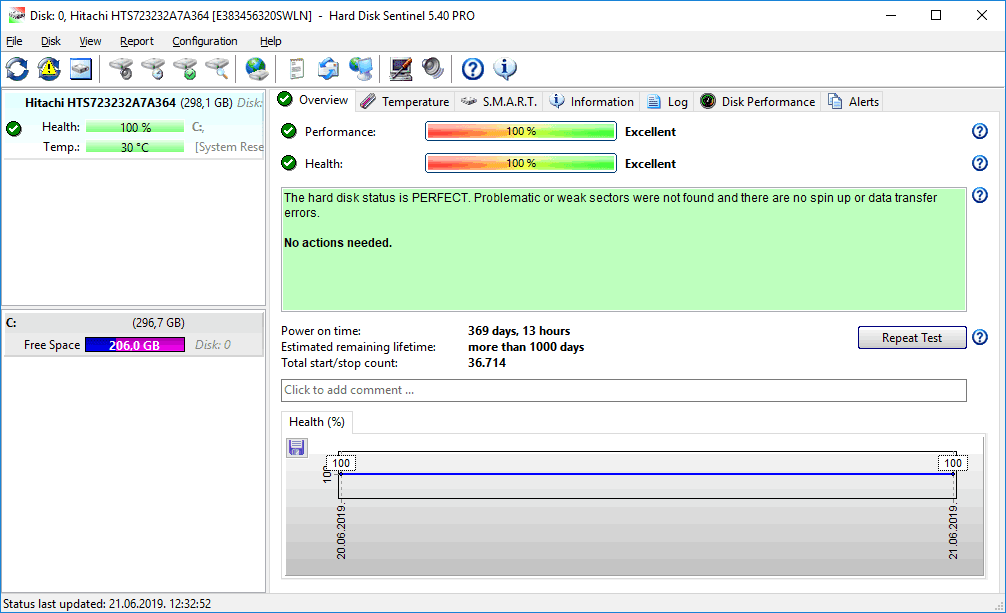
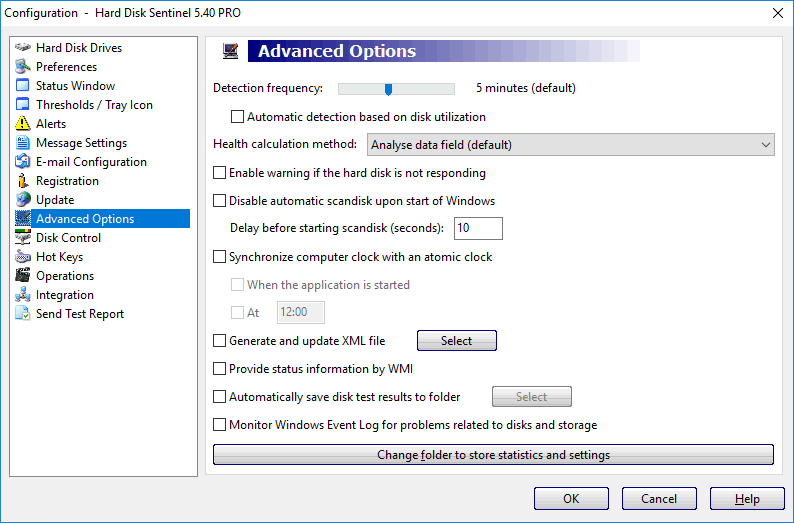
The first impression of the software is not the best one due to an older design that sticks out on newer versions of Windows. The interface is divided into several tabs including Overview, Temperature, S.M.A.R.T., Information, Log, Disk Performance, and Alerts. The Overview tab offers basic information regarding the health and performance of the selected hard drive.Monitoring tabs and diagnostics
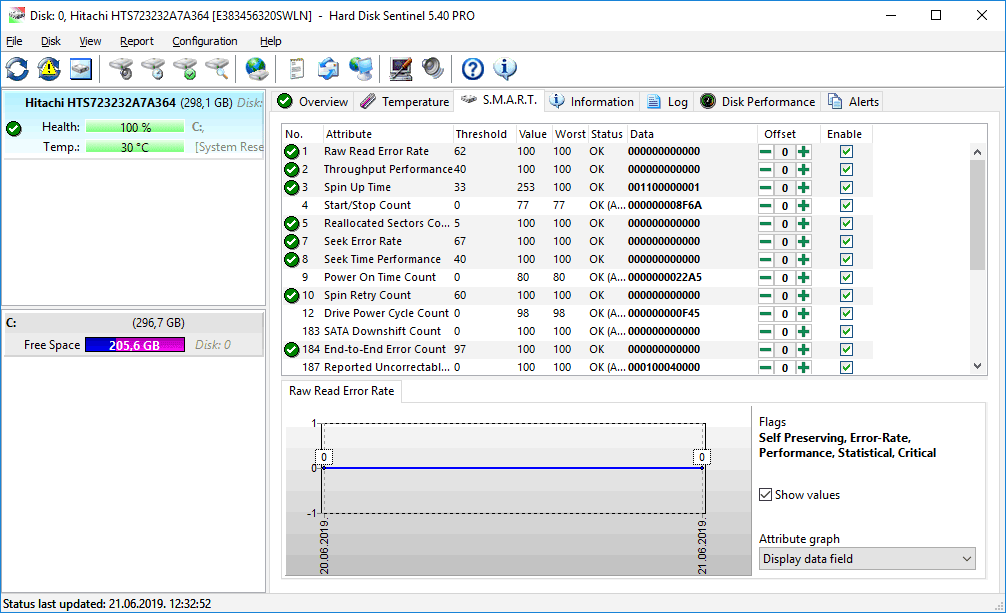
The Temperature tab analyzes the current temperature and displays useful data regarding the history of its change. S.M.A.R.T. (Self-Monitoring Analysis and Reporting Technology) is a fault detection, monitoring, and maintenance technology whose roots trace back to IBM in 1992, and it's used by Hard Disk Sentinel to check for errors and report them to users. The S.M.A.R.T. tab displays advanced options for various hard drive performance parameters. The Information tab displays basic information about the drive as well as supported features. Log and Alerts tabs keep track of various events regarding the drives, whereas Disk Performance keeps track of info regarding disk activity and read/write rates.Testing options and power management
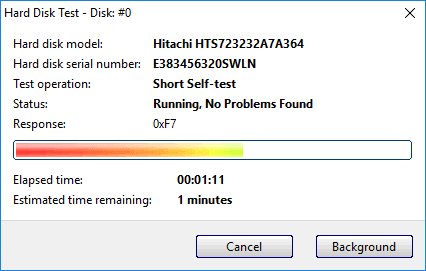
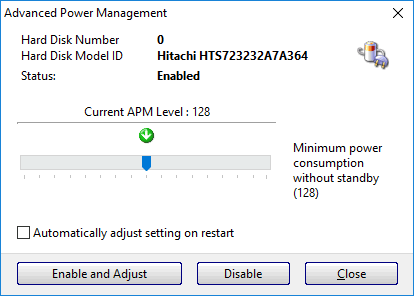
Useful options inside Hard Disk Sentinel include Advanced Power Management used to control the drive's power consumption. There are several useful tests to perform, but some of them delete all data on the selected hard drive and users should be careful. Hardware Self Tests are built into most hard disks and they can be fast (Short Test), detailed (Extended Test), and manufacturer-specific mechanical (Conveyance Test).
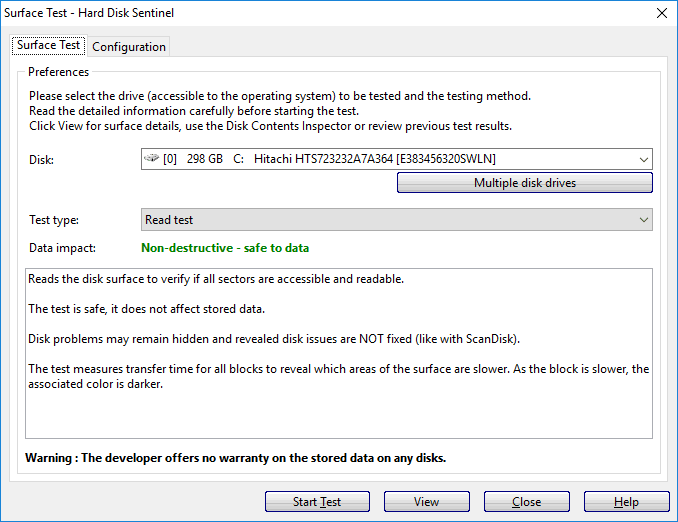
The Random Seek Test verifies the noise level and checks the temperature and track-to-track seek time, which provides useful information under excessive disk usage. Finally, the Surface Test analyzes the surface of the drive, and some versions of the test actually delete all data stored on the drive. Reports about the hard drive can be saved in formats including TXT and HTML, and users can be notified by email if something is worthy of notice regarding their drives.How it stacks up against the competition
When compared to other similar tools, HDSentinel shows its strengths and weaknesses. One thing is that it throws too much information at users, especially if they are casual computer users. Some data is difficult to comprehend and some settings shouldn't even be touched without professional knowledge. On the other hand, CrystalDiskInfo and HD Tune Pro support USB drives and devices whereas HDSentinel also supports memory cards, docks, multi-drive enclosures, and pen drives (if they support status detection). Also, CrystalDiskInfo has far more limited support for SAS/SCSI setups compared to HDSentinel's broad hardware RAID controller compatibility.Pricing and system impact
When it comes to pricing, CrystalDiskInfo is not only free, but it's also open-source, and you can even download the source code. On the other hand, HD Tune Pro requires a paid license, which puts it in a comparable pricing tier to HDSentinel's Professional Edition. HDSentinel definitely goes more in-depth than HD Tune Pro and CrystalDiskInfo, but it's also more invasive and its background monitoring can affect CPU usage noticeably on older setups.